A macOS menu bar app
Stretch before your back starts complaining.
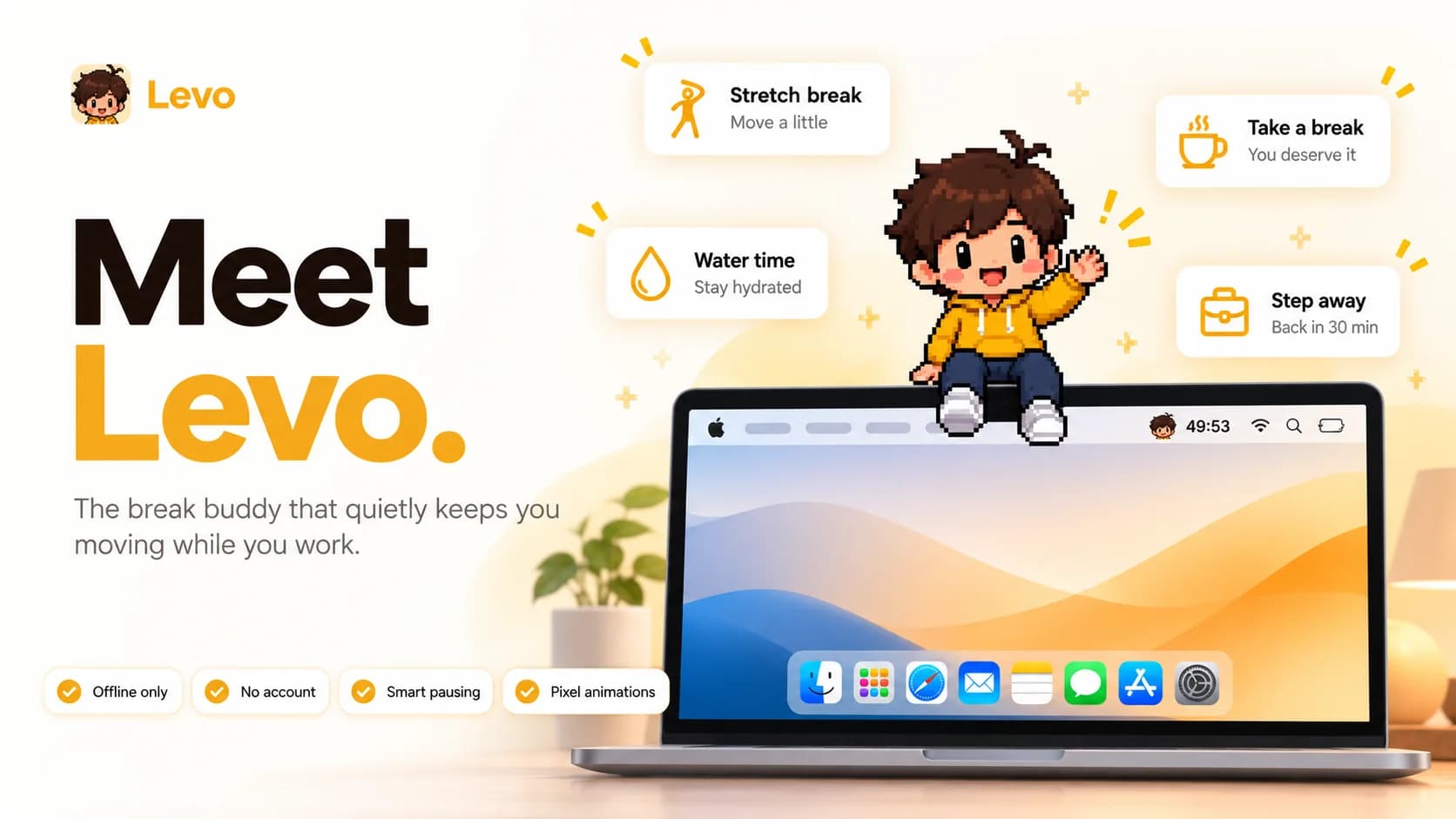
Levo is a tiny pixel-art buddy who works alongside you in the menu bar, nudges you when it is time for a break, and leads short full-screen stretch sessions.
The problem
Deep work makes you forget your body.
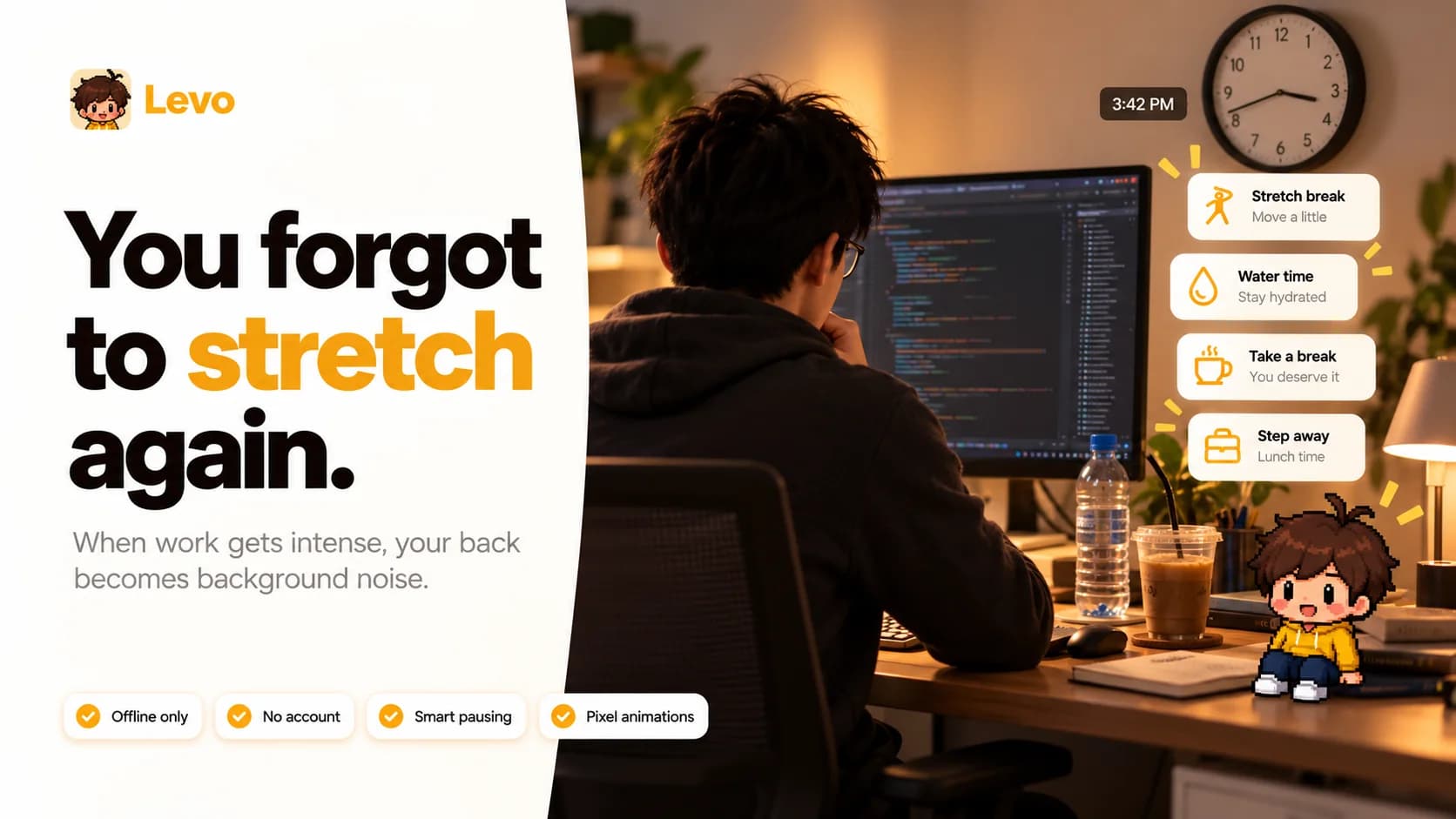
Hours slip by in one posture. Plain reminders get dismissed without a second look. Levo turns the nudge into a friend you actually want to listen to, and makes the break itself take less than five minutes.
Built for desk days
Developers, designers, students and anyone who sits for hours.
Warm, never nagging
A companion, not a drill instructor. No guilt trips.
How it works
One calm loop, all day long.
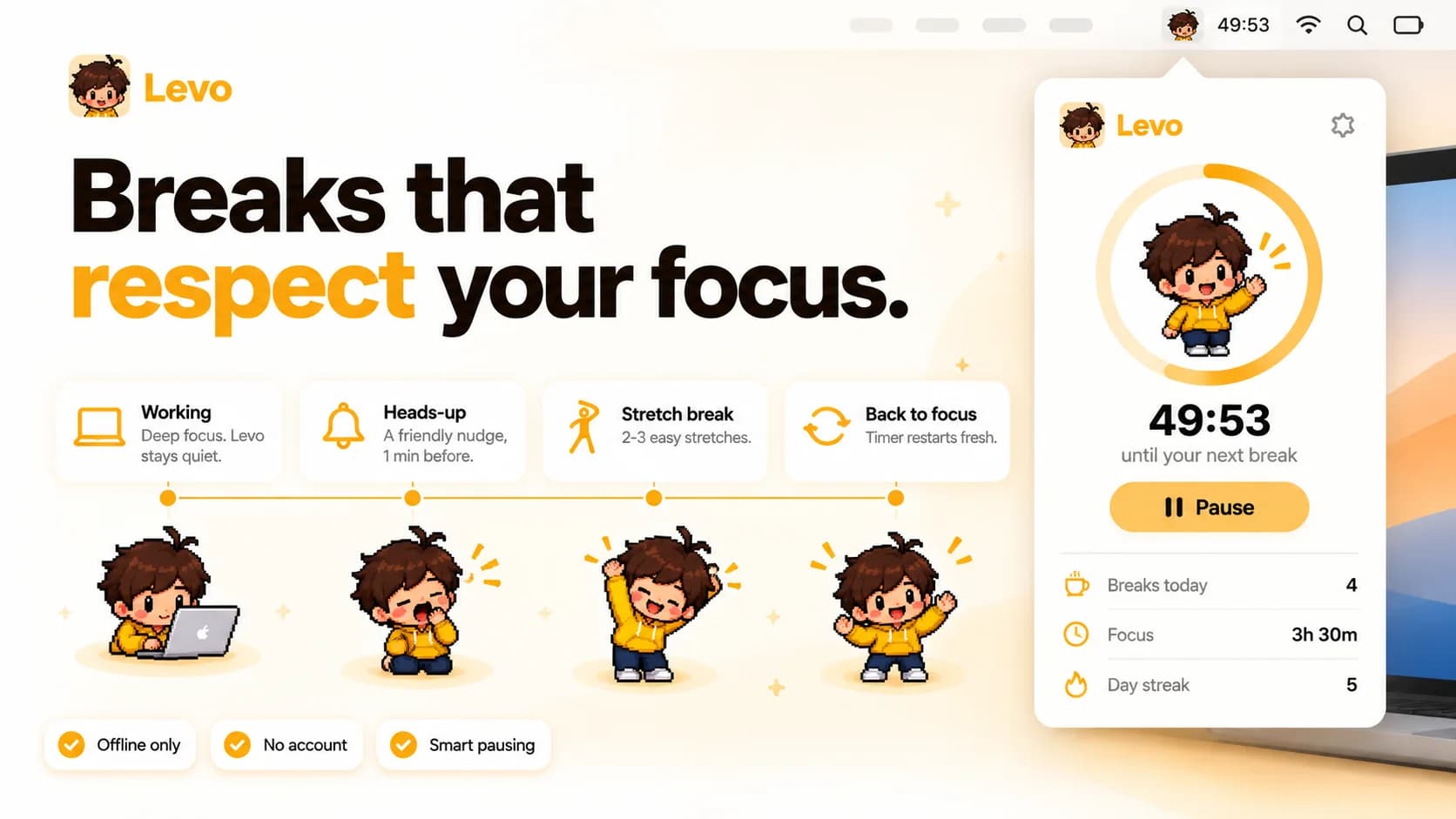
Focus, a friendly heads-up, a short stretch, then straight back to work with a fresh timer.
STEP 1
Focus
Pick 25, 45, 50 or 60 minutes, or set your own. 50 is the default. Levo types away next to a live countdown in your menu bar.
STEP 2
Heads-up
In the final minute a small card appears. Levo yawns, taps his wrist and says: “Finish your thought, then we'll stretch together.”
STEP 3
Stretch
A full-screen break with two or three guided exercises. Five minutes by default, adjustable from 2 to 10.
STEP 4
Back to focus
“Nice stretch!” Levo cheers, the break counts toward your day, and the timer restarts fresh.
Stretch breaks
Levo leads. You just follow along.
Each break takes over your main display with a calm cream screen, a looping exercise demo, one clear instruction and a big countdown. Other displays get a plain dark cover so nothing pulls you back.

Chest opener
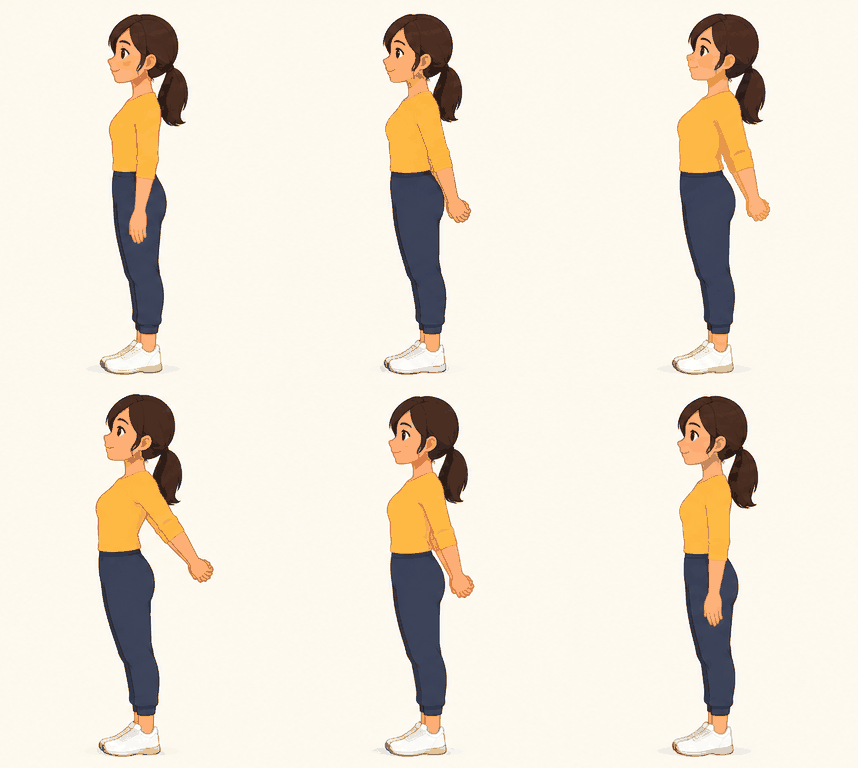
Clasp your hands behind you and lift your chest.
0:17
Next up: Overhead reach
Nine gentle exercises
Each one has a looping demo. Levo picks two or three per break.
- Standing back extension30 s
Hands on your lower back, gently lean back and breathe.
- Neck tilts30 s
Slowly tilt one ear towards each shoulder.
- Shoulder rolls30 s
Roll your shoulders up, back and down.
- Chest opener30 s
Clasp your hands behind you and lift your chest.
- Overhead reach30 s
Reach up tall, then lean gently to each side.
- Forward fold30 s
Soften your knees and let your upper body hang.
- Marching on the spot45 s
Lift your knees and swing your arms.
- Eye break20 s
Look at something about 6 metres away and relax your eyes.
- Deep breathing30 s
Breathe in for four counts, out for six.
Break modes
How strict should your buddy be?
Choose how easy it is to skip. You can change it any time in Settings.
Smart pausing
Levo knows when to stay quiet.
Breaks wait while your camera or microphone is in use, the timer pauses when you walk away, and Do Not Disturb keeps him silent until you are ready.
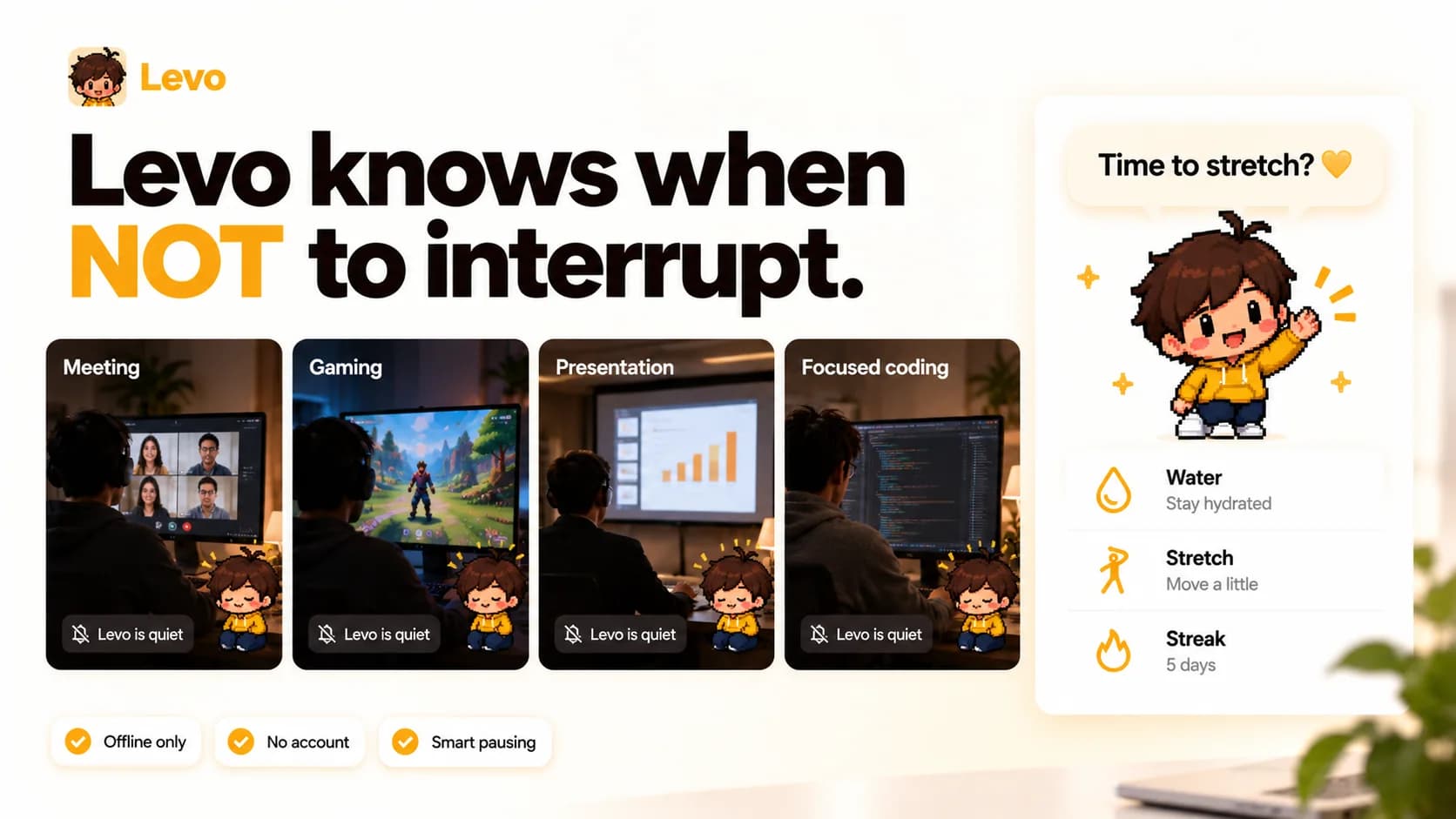
On a call
Camera or mic in use? The break waits. Afterwards Levo asks:
“You missed a break during that call. Stretch now?”
Away from your desk
After 5 idle minutes the timer pauses. A long absence counts as a break.
Welcome back! You were away for 18 minutes, so we paused your timer and counted it as a break.
Stepping out
Lunch or errands? Choose Step away. Levo grabs his lunchbox, waves goodbye, and starts fresh when you return.
Meet your buddy
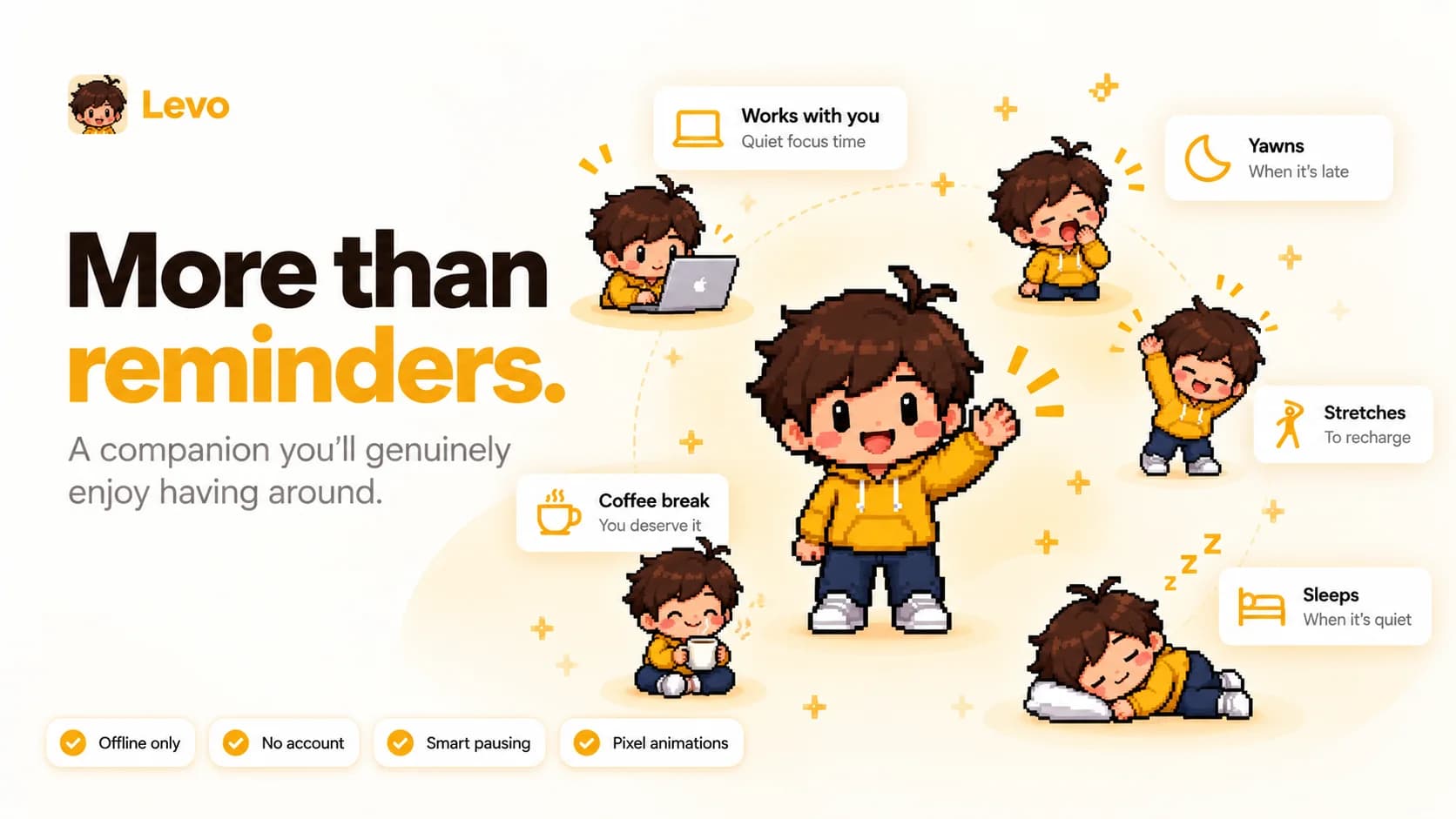
A little character with a lot of moods.
Over twenty hand-drawn 16-bit animations: typing while you work, cheering after a stretch, napping when you are away, and the odd coffee break when you least expect it.
Water and stats
Watch the good habits stack up.
Breaks today
4/ 4
Focus today
3h 30m
Current streak
5days
Skips used today
0
Breaks this week
 “Your back thanks you!”
October
Filled days hit the daily break goal.
Water today
1,300 of 2,000 ml
Hydration streak: 3 days
Water this week (litres)
Everything in one place
Small app. Thoughtful details.
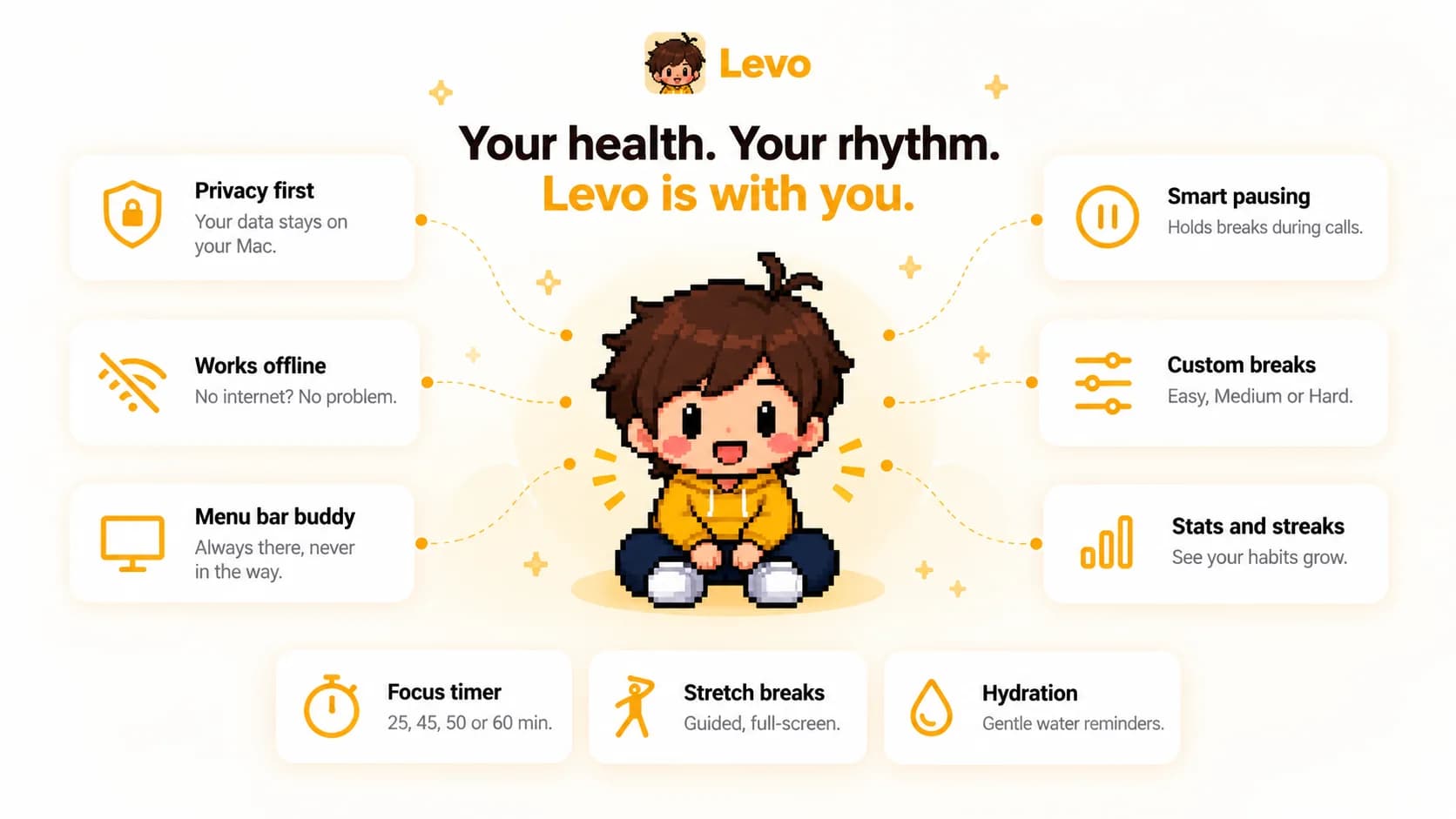
- Take a break now. Start a stretch early; it counts as a normal break.
- Hide the menu bar timer if you prefer just the character.
- Optional chime when a break starts.
- Light, Dark or System appearance.
- Launch at login so Levo is always there.
- Daily break goal from 1 to 12 (default 4).
Privacy
Offline only. Nothing leaves your Mac.
No account, no backend, no tracking. Your breaks, streaks and water log live on your computer and nowhere else.
No account to create
Open the app and start focusing.
Works without internet
No servers to reach, nothing to sync.
Call detection stays local
Levo only checks whether the camera or mic is in use. It never records anything.
Get started
Up and stretching in two minutes.
- 1
Download and open
Levo lives in your menu bar, not the Dock.
- 2
Say hi
Five short welcome cards: focus length, strictness, water and permissions.
- 3
Start your first focus
Left-click the character to open the window; right-click for the menu.
- 4
Stretch when called
Follow Levo through the break, then get back to it.
Questions
Does Levo need an internet connection?
No. Levo is fully offline. There is no account, no backend and no tracking.
Will it interrupt my video calls?
No. When your camera or microphone is in use, Levo holds the break and offers a catch-up stretch once the call ends.
Can I skip a break?
It depends on your mode. Easy lets you skip or snooze any time, Medium unlocks Skip after part of the break, and Hard allows one or two emergency skips a day.
What happens when I go to lunch?
Choose Step away for 10 minutes, 30 minutes, an hour or a custom time. If you just leave, Levo pauses after 5 idle minutes and counts a long absence as a break.
Is it available for Windows or iPhone?
Not yet. Levo is macOS only for now.
How much does it cost?
[YOUR PRICE]

Your back thanks you already.